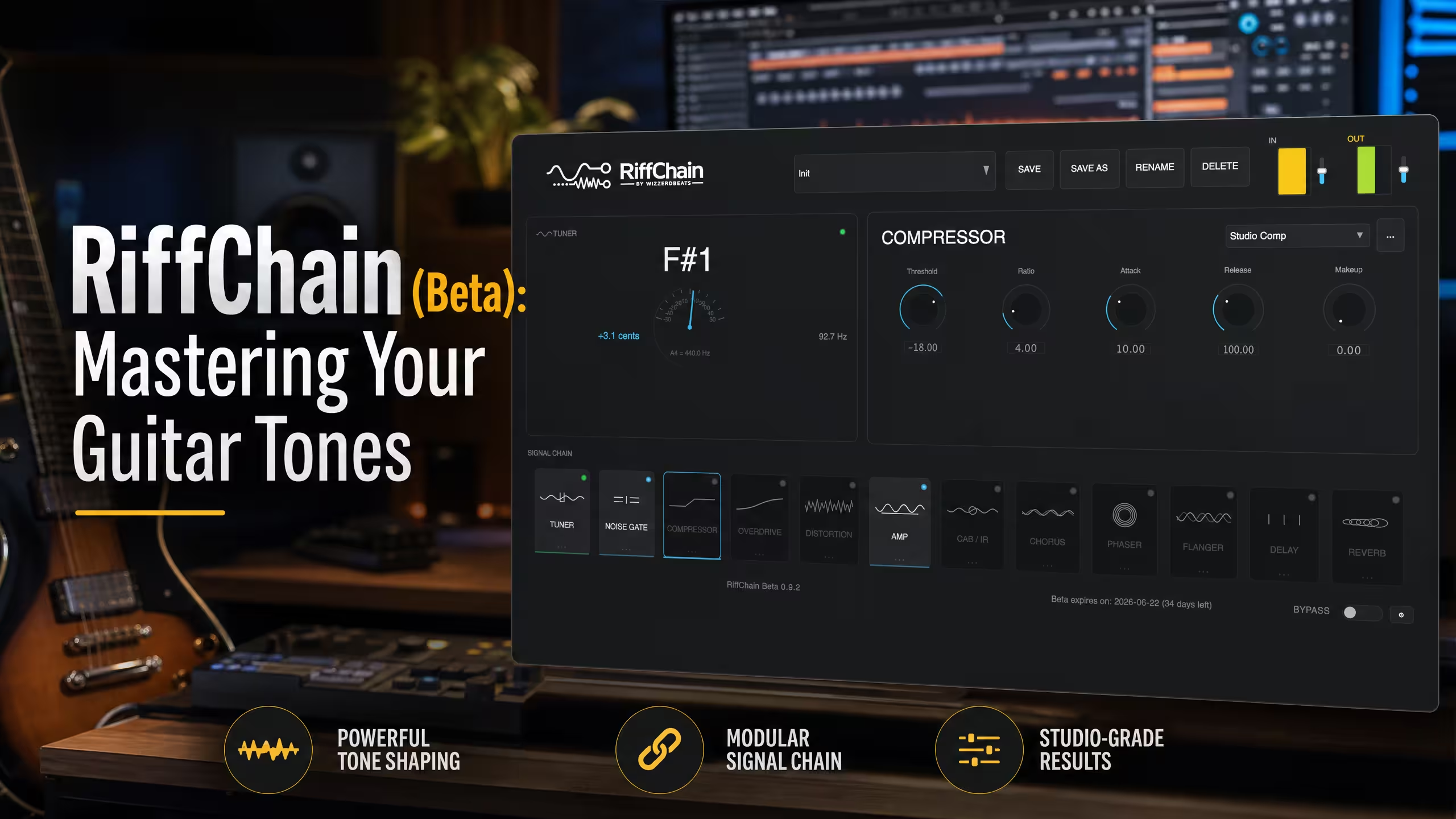
Mastering Guitar Tones: A RiffChain (Beta) Tutorial with WAR MODE
Master your guitar tones with our RiffChain (Beta) tutorial. Learn how to pair it with the WAR MODE beat for professional West Coast results.
Mastering Guitar Tones: A RiffChain (Beta) Tutorial with WAR MODE
For music producers aiming to infuse their tracks with professional-grade guitar tones, the RiffChain (Beta) plugin from Shop The Beat is a game-changer. This modular guitar effects suite offers unparalleled flexibility, allowing you to sculpt unique sounds that stand out. In this tutorial, we’ll walk through how to integrate RiffChain with our powerful WAR MODE – Dark West Coast Type Beat to create a truly cinematic and hard-hitting West Coast production.
What is RiffChain (Beta)?
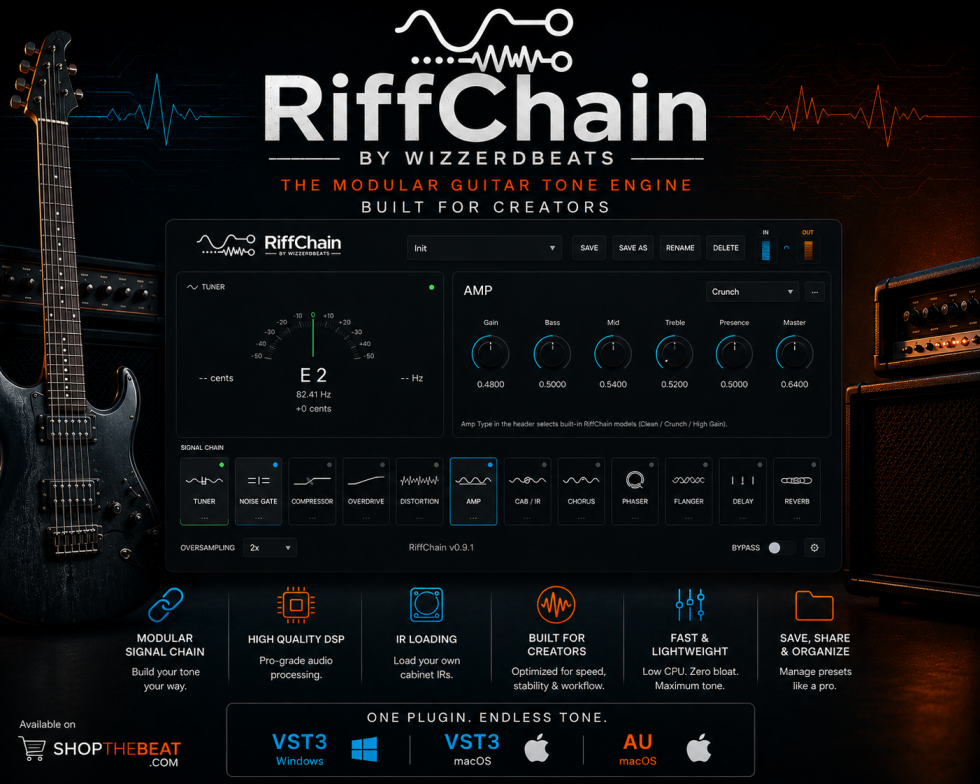
RiffChain (Beta) is a modular guitar effects plugin designed by producers for producers. It provides a versatile platform to craft custom guitar tones, from gritty distortions to lush reverbs, all within your DAW. Best of all, it’s currently available for $0.00, making it an essential tool for any serious creator.
Step-by-Step: RiffChain with WAR MODE
Our WAR MODE – Dark West Coast Type Beat already comes with dark cinematic strings and a classic West Coast bounce. By adding RiffChain, we can enhance any guitar elements or even create new ones that perfectly complement its aggressive vibe.
Step 1: Load WAR MODE and Your Guitar Track
First, import the WAR MODE beat into your digital audio workstation (DAW). If you have a guitar recording you want to process, load it onto a separate track. If not, you can use a MIDI guitar plugin or even a synth with a guitar-like patch.
Step 2: Insert RiffChain (Beta) on Your Guitar Track
Apply the RiffChain (Beta) plugin as an insert effect on your guitar track. Start with a clean preset or a basic amp simulation within RiffChain.
Step 3: Dial in the Distortion/Overdrive
WAR MODE has a dark and aggressive feel. To match this, add a distortion or overdrive module within RiffChain. Experiment with the drive and tone controls to find a sound that cuts through the mix without being overly harsh. A good starting point is a medium-gain setting to retain clarity.
Step 4: Add Modulation for Movement
To give your guitar track more character and movement, introduce a chorus or flanger module in RiffChain. This will add width and a subtle swirling effect, making the guitar feel more dynamic and less static. Adjust the depth and rate to taste.
Step 5: Shape with EQ and Compression
Use RiffChain’s built-in EQ to carve out frequencies that might clash with other elements in WAR MODE. For instance, you might cut some low-mids to prevent muddiness. Follow this with a compressor module to even out the guitar’s dynamics, ensuring it sits well within the mix of the beat.
Step 6: Finish with Reverb and Delay
To blend the guitar seamlessly into the cinematic soundscape of WAR MODE, add a reverb and delay module in RiffChain. A medium-sized hall reverb with a short decay time can add space without washing out the sound. A subtle delay can create a sense of depth and atmosphere.
Elevate Your Productions with Shop The Beat
By following these steps, you can transform a simple guitar track into a powerful element that perfectly complements the WAR MODE – Dark West Coast Type Beat. RiffChain’s modular design means the possibilities are endless, allowing you to experiment and find your unique sound.
Explore more of our premium beats and plugins at Shop The Beat to continue elevating your music production journey.