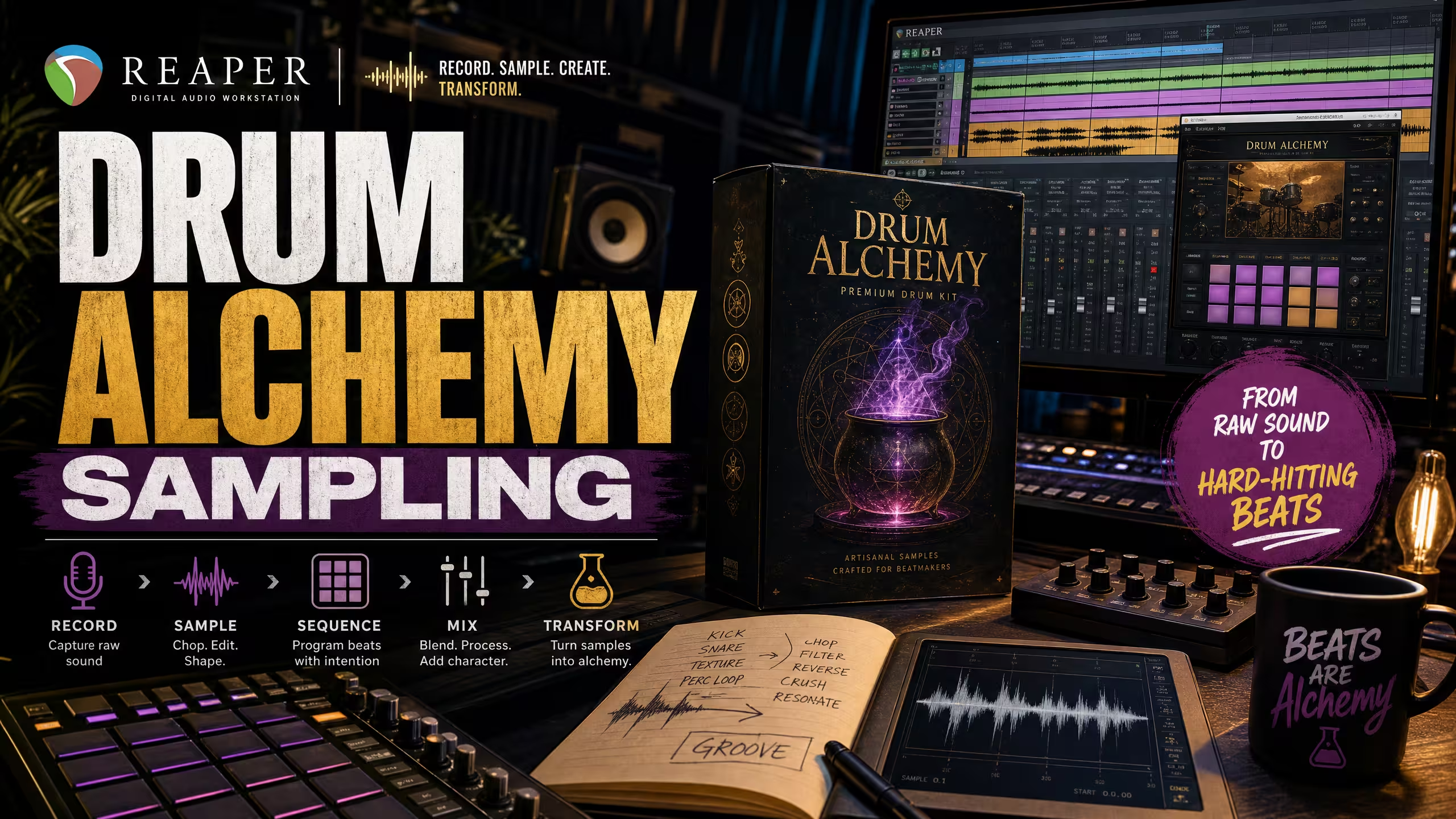
Reaper Tutorial: Advanced Sample Flipping with Drum Alchemy
Learn advanced sample flipping techniques in Reaper using Drum Alchemy: Essentials. Discover sample chopping, pitch shifting, time stretching, granular processing, and creative effects to create unique beats and textures. 12/06/2026 13:00
Reaper Tutorial: Advanced Sample Flipping with Drum Alchemy
Sample flipping is an art form, transforming existing audio into something entirely new and unique. In Reaper, its powerful editing capabilities combined with the pristine sounds of our Drum Alchemy: Essentials kit can elevate your sample game. This tutorial will guide you through advanced techniques to chop, re-arrange, and process samples, creating fresh grooves and textures.
Why Advanced Sample Flipping?

Sample flipping goes far beyond simply looping existing audio. It involves deconstructing, reimagining, and reshaping sounds to fit your creative vision. Reaper provides precise audio editing tools, while Drum Alchemy: Essentials delivers professional-quality drum one-shots that can be layered with flipped samples to create entirely new rhythmic foundations.
Step-by-Step: Advanced Sample Flipping in Reaper
1. Importing and Initial Chopping
Begin by importing your chosen sample into a new Reaper project. Use Reaper’s item splitting tool (S key) to divide the audio into smaller sections. Experiment with unconventional cut points, as unique chops often lead to the most creative results.
2. Re-Arranging and Creating New Patterns
Move your chopped audio pieces around the timeline to create completely new rhythmic or melodic structures. Rearranging sample slices is where the original material begins to evolve into something fresh and unique.
For added impact, layer your new sample patterns with punchy kicks, crisp hi-hats, and snappy snares from Drum Alchemy: Essentials to strengthen the groove and add professional polish.
3. Pitch Shifting and Time Stretching
Reaper includes powerful pitch and time manipulation tools. Right-click an audio item and open Item Properties to adjust pitch independently from tempo or stretch audio without affecting pitch. These tools help match samples to your project key and BPM while creating entirely new sonic variations.
4. Granular Processing with JSFX Plugins
Take your creativity further with Reaper’s built-in JSFX effects. Plugins such as granular_synth and spectral_gate can transform ordinary samples into evolving textures, atmospheric layers, and glitch-inspired percussion.
Combining these processed sounds with the clean drum elements from Drum Alchemy: Essentials can help create a truly distinctive production style.
5. Creative FX Chains for Sample Texturizing
Push your flipped samples even further by building creative effects chains. Consider experimenting with:
- ReaDelay: Create rhythmic echoes and movement.
- ReaVerb: Add depth, ambience, and unique spaces.
- ReaGate: Generate rhythmic gating and stutter effects.
- Saturation and Distortion: Add warmth, grit, and character to help samples cut through the mix.
You can also experiment with RiffChain (Beta) on non-guitar sounds to create unique distortion textures, unconventional effects chains, and creative sound design elements.
Elevate Your Production with Shop The Beat
Advanced sample flipping in Reaper opens the door to endless creative possibilities. By combining Reaper’s detailed editing tools with the professional sounds found in Drum Alchemy: Essentials, you can transform ordinary samples into original and compelling musical ideas.
Explore more premium drum kits, beats, loops, and plugins at Shop The Beat and continue expanding your creative toolkit.