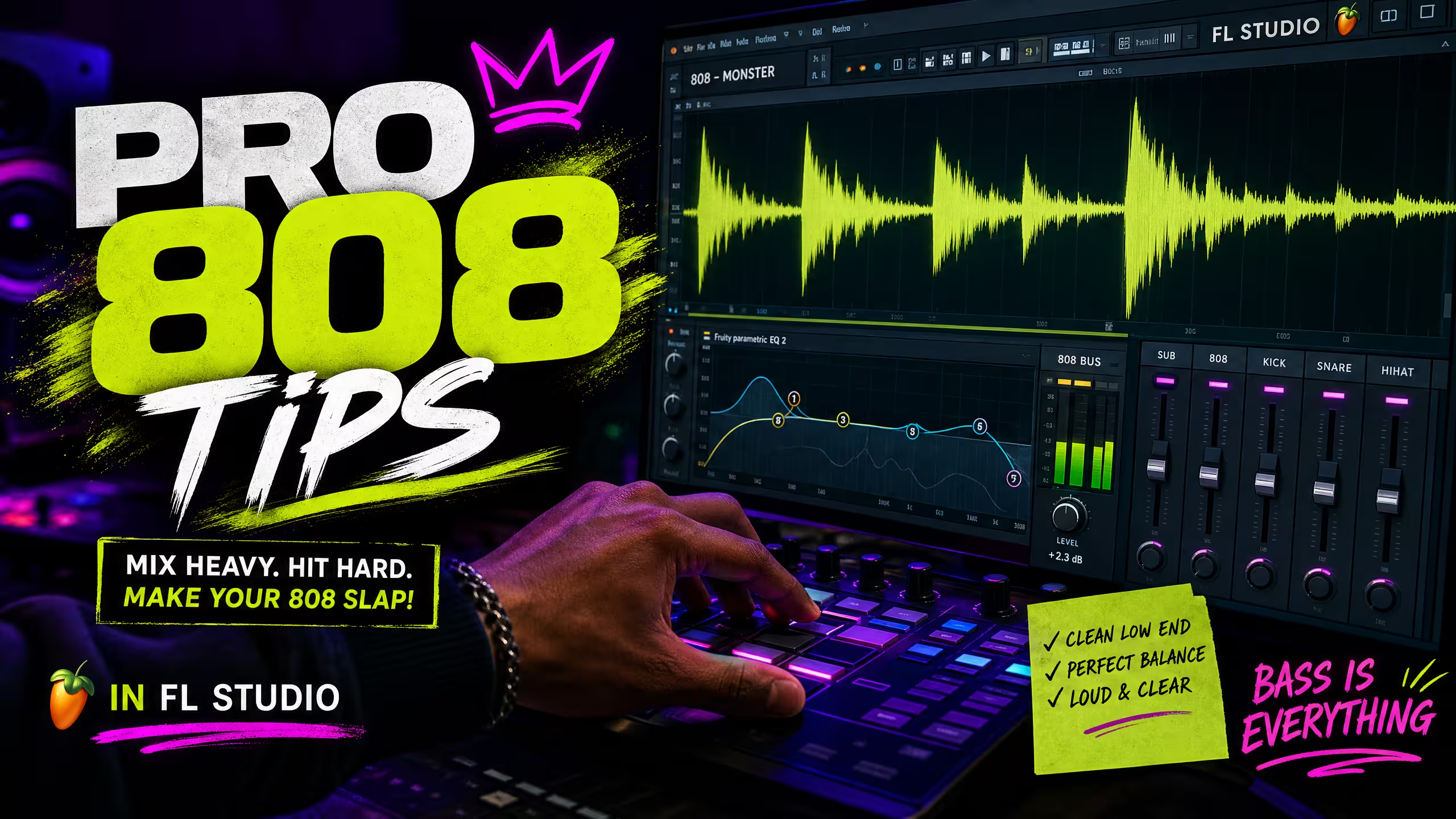
5 Pro Tips for Better 808s in FL Studio
Learn 5 professional FL Studio techniques for creating powerful, clean, and punchy 808s. Discover how sample selection, tuning, sidechain compression, EQ, and saturation can improve your low-end and help your beats hit harder.
5 Pro Tips for Better 808s in FL Studio
The 808 kick drum is the backbone of modern hip-hop, trap, and R&B. A well-mixed 808 can make a track hit hard and resonate with listeners, while a poorly mixed one can muddy your entire production. In this tutorial, we’ll dive into 5 pro tips for crafting powerful and clear 808s in FL Studio, with a special focus on how our Kick Alchemy Vol. 1 kit can elevate your low-end game.
The Power of a Great 808
An 808 isn’t just a bass sound; it’s a percussive element that carries melodic weight. It needs to be punchy, deep, and clean. Our Kick Alchemy Vol. 1 kit provides custom kick one-shots designed to give you that professional starting point, eliminating hours of tweaking.

5 Tips for Mastering Your 808s in FL Studio
1. Choose the Right Sample (Start with Kick Alchemy Vol. 1)
The most crucial step is selecting a high-quality 808 sample. Our Kick Alchemy Vol. 1 kit offers a diverse range of punchy and clean 808 one-shots, giving you a solid foundation. Avoid samples that are already heavily processed or have unwanted artifacts. A good 808 should have a clear fundamental frequency and a clean tail.
2. Proper Pitching and Tuning
An out-of-tune 808 can ruin your track. In FL Studio, load your 808 into a Sampler channel. Right-click the sample waveform and select “Edit” to open Edison. Use the “Detect Pitch Regions” tool to find the root note, then set the “Root Key” in the Sampler to match. Ensure your 808 follows the bassline of your track, usually playing the root notes of your chords.
3. Sidechain Compression with the Kick Drum
To prevent your 808 and kick drum from clashing, use sidechain compression. Route your main kick drum to a compressor on your 808 channel. Set a fast attack and release, and a ratio of 4:1 or higher. This will duck the 808 slightly every time the kick hits, creating space and making both elements punch through the mix. This is especially effective when using a powerful kick from our Drum Alchemy: Essentials kit.
4. EQ for Clarity and Definition
- High-Pass Filter: Use a steep HPF around 20-30 Hz to remove sub-bass rumble that can muddy your mix and isn’t audible on most systems.
- Mid-Range Scoop: A subtle cut in the 200-500 Hz range can clean up muddiness and make room for other instruments.
- Top-End Boost (Optional): A small boost around 1-2 kHz can add a subtle click or attack to your 808, helping it cut through on smaller speakers.
5. Saturation and Distortion for Harmonic Richness
To make your 808 audible on smaller speakers and add harmonic richness, apply subtle saturation or distortion. FL Studio’s Fruity Blood Overdrive or a third-party plugin like RiffChain (Beta) can work wonders when used creatively for bass tones. Blend it in carefully to add character without making the 808 sound harsh or distorted. This helps the 808’s upper harmonics become more present, giving the illusion of more bass.
Elevate Your Low-End with Shop The Beat
By implementing these tips and utilizing the high-quality samples from our Kick Alchemy Vol. 1 kit, you’ll be well on your way to crafting powerful, clean, and impactful 808s in FL Studio. A solid low-end is the foundation of a great track, and Shop The Beat is here to provide the tools you need to achieve it.
Explore more premium beats, kits, and plugins at Shop The Beat to take your productions to the next level.